
Getting Iron County Court Records
Begin with MiCOURT Case Search. That free search shows the court and case number. It also shows the case history and the visible status. Treat the result as helpful context rather than the official file. Next, contact the right clerk to inspect the record. You can order a plain copy, an electronic copy if the court offers one, or a certified copy. Court Display works well when you need a hearing on a specific date, but it cannot replace the full file.
- Identify the custodian: County Clerk/Register of Deeds for 41st Circuit records, 95B District Court Clerk for district cases, and Probate Registrar for probate matters.
- Bring or send the court, case number, public party name, approximate year, document type, and whether inspection, copy, or certification is requested.
- Use the clerk counter at 2 South 6th Street, Crystal Falls, call the responsible office, or send a written request by email, fax, or mail. Ask whether a public terminal is available because local terminal details are not published.
- Request a current fee before payment and ask about pickup, mail, email, digital media, or other available delivery.
- Use county FOIA only when the desired item is an administrative county record, not a judicial case file.
What if you lack the court or case number? The separate Iron County case lookup route can pin down the court of record first, which makes any later copy request far easier.
Iron County Court Records Need MCR 8.119
County FOIA is not the rule that governs judicial case records here. Access to Iron County court records runs through Michigan Court Rule 8.119. The rule generally lets the public inspect and copy case records. But statutes can still block a given item. Court orders, redactions, and sealing can too. One protection is plain. No fee may be charged simply to access, retrieve, or inspect a court record. Copying and certification are different, and charges for those may apply. Michigan Court Rule 8.119 is the official source spelling out public access to court records.
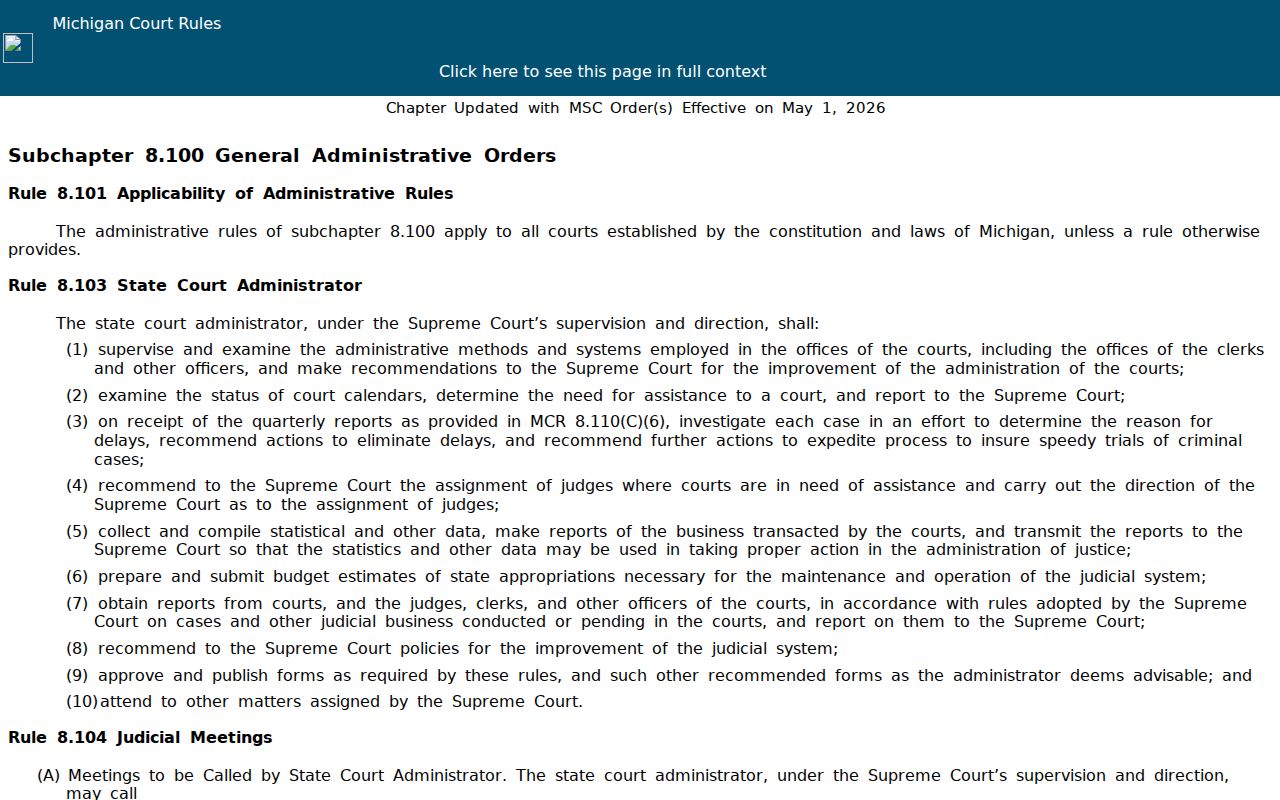
The rule-based route keeps a judicial file distinct from records held by county administration.
Court Record Types
The register of actions is often called the case history. It indexes everything filed or heard, in order. Behind it sits the actual file. That file can hold pleadings, orders, judgments, and proofs of service. Exhibits, financial entries, and other material may appear too. A clerk sometimes has to open the file before knowing whether an item is public. So a public history online never guarantees that every filing can be downloaded.
- Case history or register of actions
- Filed pleading, motion, order, or judgment
- Ordinary or certified copy
- Filed transcript copy, if available
- Calendar, disposition, or payment record
Not every public office record belongs in a court file. A city ordinance, a county meeting record, a deed, or a vital record may be public, but none of them is the same as an Iron County judicial case file.
Iron County Court Record Custodians
Several Iron County offices share the courthouse, and each keeps a different set of records. County Clerk Amy Donati handles the circuit function. Her office maintains circuit civil, criminal, divorce, and other circuit proceedings. All of it runs under court direction. Robin Marchildon serves as District Court Clerk for 95B matters. Probate Registrar Ashley Holm handles probate filings. Aim your request at the court that heard the case. Skip the one broad letter to every office.
41st Circuit Records
County Clerk/Register of Deeds, Suite 9
2 South 6th Street, Crystal Falls, MI 49920
906-875-3221
95B District Records
District Court Clerk, Suite 5
2 South 6th Street, Crystal Falls, MI 49920
906-875-0619
Probate Records
Probate Registrar, Suite 10
2 South 6th Street, Crystal Falls, MI 49920
906-875-0659
The Trial Court directory provides the current departmental routing information.
Inside an Iron County Court Record
Match any document you request to the case header and the case history entry. A party name alone proves nothing about liability or guilt, and a filing may state an allegation rather than an outcome. Read a judgment or disposition in its exact court language and date. A certified copy vouches for the clerk's copy and its status, not for the truth of every claim inside a pleading.
| Court and division | Identifies the court that keeps the proceeding and routes the request. |
|---|---|
| Case number | The strongest identifier for the case history and a document request. |
| Case type and status | Classifies the proceeding and its visible current state. |
| Filed entry | Shows the date and type of a filing, order, notice, or other event. |
| Disposition | Shows the recorded outcome or status entry, not a general narrative. |
Older, restricted, nonpublic, and unindexed records often never reach the portal. Ask the clerk about the lawful route instead of treating a blank search as proof that no file exists.
Iron County Court Records and County FOIA
The Iron County FOIA process covers county administrative records. Think policies, budgets, and meeting minutes. It is not a way around a judicial docket or a sealed court file. Requests can be made orally, by email, fax, mail, in person, or on the county form, and the county promises a response within five business days, with one possible ten-business-day extension. The official county FOIA page lays out the full administrative-record procedure and its form links.
Save the label "FOIA request" for county administrative records. When you write the clerk about a court file, call it what it is.
Fees and Certified Copies
Before you pay, ask the clerk to confirm the page count. Also check the current local method of payment and whether the file needs a certification. One statutory reference covers certified copies of Iron County court documents. No single flat total applies to every document. Get the number from the clerk first.
| Item | Amount | Confirmation |
|---|---|---|
| Public inspection | No access, retrieval, or inspection fee | MCR 8.119; copy charges remain separate. |
| Ordinary court copy | Current per-page fee not located | Confirm with the clerk. |
| Certified court copy | Generally $1 per page plus $10 certification | MCL 600.2546 reference; confirm local total. |
| Filed transcript copy | Up to $0.90 per page reference | Transcript ordering is a separate process. |
| County FOIA paper | No more than $0.10 per sheet | Administrative records only. |
Note: Certification fees vary with the record requested and its page count, so confirm with a clerk before quoting any complete amount.
Sealed Records and Public Access
Public never means fully searchable, remote, and free. MCR 8.119 grants access subject to restrictions, redaction, and sealing. Juvenile records face separate limits under MCL 712A.28. Probate, family, mental-health, and protected files can carry their own special access conditions too.
Access boundary: MCR 8.119 governs judicial case records, while the Michigan Freedom of Information Act governs covered public-body administrative records. Ask for the rule or order basis when an item is restricted.
Ask for any redacted public copy that exists, and for the lawful review procedure. Do not guess at protected content from a missing result. And do not use county FOIA to slip past a court restriction.
Iron County Court Record Online Gaps
MiCOURT itself warns that results are informational. They can omit restricted information, older entries, documents left out of the public interface, and records awaiting clerk review. A blank result may also trace back to the wrong court, a mismatched case number, or an indexing delay. Write down the case number, the court, the search date, and what you saw before calling the clerk. For any formal use, order the document straight from the court of record. Keep the receipt and certification page. The clerk can explain the difference between an online case-history view and the record the court actually maintains.
Iron County Court Record Request Fields
A precise request saves the clerk from hunting the wrong file. Give the court and division, plus the case number if you have it. Add the public case title or party name and an approximate filing year. Name the exact document or register entry you want, with its date when known. Say whether you seek inspection, a plain copy, an electronic copy, or certification. Note your delivery preference too. A phone or email contact lets staff reach you with any fee question.
Iron County publishes no court-specific copy-request form. You do not have to use a county FOIA form for a court file. A concise email, fax, mail, or counter request to the right clerk works. The trial-court fax is 906-875-0656. If the county's reported phone-connection problem blocks a direct call, published department contacts should get your callback number. When a document turns out to be unavailable, ask whether it is older, held by another division, restricted, sealed, nonpublic, or simply not indexed online.
Run the statewide search before asking staff to pull a paper or electronic file. Still, do not treat the public interface as the county's complete index. The MiCOURT public notice states that nonpublic information is excluded. Older criminal-information limits can also affect what appears online. Choose the actual Iron County 41st Circuit or 95B District entry the dynamic interface exposes. If Probate is not visible, contact the Probate Registrar directly. Do not substitute a different court or assume the file is absent.
When an online history appears, check the court, case number, case type, party role, filing date, status, and exact entry text. A history can show a next hearing or disposition. The underlying document may still stay out of remote reach. Save the result URL and search date. Then request the particular order, judgment, register entry, or filing you need. MiFILE/TrueFiling is a workflow for authorized filers, not a public-record fallback. If a web component or court selector fails, note the time. Turn to the clerk counter, phone, email, fax, or a written request.
Asking for the narrowest item also helps the clerk separate a docket inquiry from a document request. Request the public register of actions, a dated order, a judgment, or an inspection appointment rather than every record tied to a name. If your request includes a payment ledger, transcript, or calendar item, identify it separately. Those records can carry different availability and copy procedures.
Route each Iron County file to the right office. Circuit records go through the County Clerk's circuit function. District traffic and misdemeanor files belong to the 95B District Court Clerk. Estate and guardianship files go to the Probate Registrar. The clerk can also tell you whether an electronic copy exists, whether a redacted public copy is available, and whether certification requires a separate payment step. Keep the clerk's response with the case identifier and record description.