
How to Search Cases by Name
For a statewide starting point, use MiCOURT Case Search. Pick the Iron County court before anything else. Then type the public participant name, beginning with last name and first name. Try spelling variants only if the plain spelling fails, and skip a middle initial unless the court's own public material shows one. A common name can pull up several unrelated cases. Check court, party role, case type, filing date, and status before you trust a match and open the history.
The live form changes from court to court, and its name queries, categories, years, and date ranges depend on which court you selected. Rely on one main criterion. Treat whatever the search returns as informational rather than certified.
- Open MiCOURT and select the appropriate Iron County court.
- Enter the last name and first name from public court paperwork, then submit the search.
- Narrow only with the filters that appear in the live result, such as court, category, year, or filing-date range.
- Compare party role, court, case type, filing date, and status before opening a result.
- Read the visible register of actions and contact the clerk if a public result is missing or needs formal confirmation.
| Field or control | Type | Required | Iron County use |
|---|---|---|---|
| Court | Dynamic selector | Yes for a local search | Select the local 41st Circuit or 95B District listing as exposed; confirm Probate availability live. |
| Case number | Text | One primary criterion | Use the exact number when known; interface matching behavior can vary. |
| First and last name | Text | Optional when number used | Use public party spelling, then compare role and date. |
| Category or type | Select or filter | Optional | Civil, criminal, domestic, probate, traffic, and other options may vary by court. |
| Filing or disposition dates | Date fields | Optional | Use filing date to locate a start and disposition date to narrow a closure when those controls appear. |
Iron County Case Lookup Selector
Pick the court before you trust a result. That single step prevents a common Iron County case lookup error. The official MiFILE directory lists the local courts. They appear as "MI Iron County - 41st Circuit Court" and "MI Iron County - Crystal Falls - 95B-2 District Court." Local traffic, civil infractions, misdemeanors, ordinance matters, and district civil cases usually belong in District Court. Circuit Court handles felonies, larger civil cases, family matters, and qualifying appeals.
Probate sits apart. If it does not appear in the selector, call the Probate Registrar. Federal cases live in the Western District of Michigan or PACER. Some city citations route to 95B instead.
Selector check: A search for an Iron County name is incomplete until the court and record type match the case paperwork.
How to Search by Case Number
A case number is the most precise Iron County case lookup tool there is. No official local source publishes one universal number format, so invent nothing. Type the exact case number printed on the court paperwork, keeping the year, hyphens, zeroes, and any letter suffix intact. A case number is not the same as a payment location code, citation number, docket ID, case-tracking ID, or federal number, unless the interface clearly accepts it.
Blank result? Clear stray spaces first. Then confirm the court before touching the number itself. A felony that started at the district stage can later carry a circuit record, and you cannot assume one number carries through every stage. For archived numbers, ask the clerk rather than guessing a prefix or sequence. Whatever number the court displays controls.
Iron County Case Search Filters
Filters only help after the right court is chosen. MiCOURT's technical documentation covers case number, first name, last name, full-name query, category, case year, filing date, disposition date, and certain permission-dependent expansions. The public screen may not show every documented API field, so work from the labels you can actually see. A filing-date filter tells you when a matter began; a disposition-date filter points to a closure. A calendar date is neither one.
Category filters call for the same restraint. An officer-issued citation is not automatically a criminal record. Use the category the court itself displays. Sorting, pagination, and result limits on the public side can differ from the developer documentation, and the state warns against bulk downloads and automated requests. This is a targeted public lookup, not a full county export.
For the fields and qualifiers behind this Iron County case lookup section, MiCOURT's official case-search documentation is the technical source.
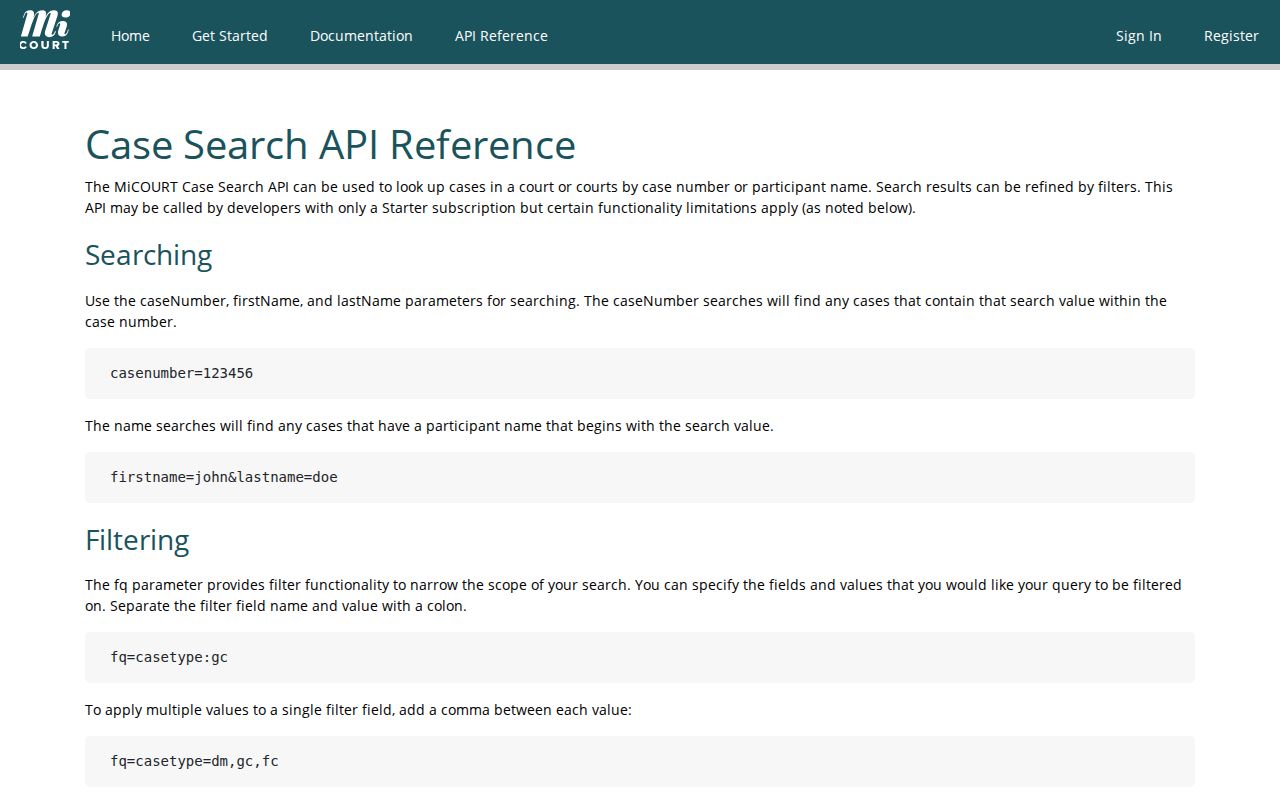
The documentation lays out what filters can do. The live public interface decides which controls a visitor can actually use at a given time.
What a Case Search Shows
An Iron County case lookup can return a case header plus the public case history. The header may list court, division, case number, case type, filing date, status, judge, and public tracking information. What appears depends on the record and current permissions. The detail view may add parties, charges or claims, the next hearing, events, disposition, financial entries, and related public links. A visible entry still does not guarantee its attached document is public or downloadable.
Read the history as a timeline. A complaint or charge is an allegation. A hearing is an event. A payment entry is not a new claim or charge. Any order, judgment, plea, verdict, dismissal, transfer, or sentence must be read with its date and the court's own wording. Protected identifiers and nonpublic material can be left out. That can happen even when the court holds the underlying filing.
| Case header | Court, division, case number, case type, filing date, status, judge, and public identifiers where displayed. |
|---|---|
| Parties | Public participant names and roles. A listed name is not itself a finding. |
| Case history | Chronological filings, notices, hearings, orders, motions, and other court events. |
| Next hearing | A scheduled setting when exposed; verify it with Court Display or the clerk before relying on it. |
| Disposition | The court’s exact outcome or status label and date, not a conclusion drawn from an earlier filing. |
Iron County Case Lookup Steps
A blank result is not proof that no Iron County case exists. It usually means the search needs adjusting. Drop any date filter. Strip spaces from the case number, or run a public name with fewer fields filled in. Consider other reasons too: the file may be old, archived, restricted, nonpublic, sitting in another division, or federal rather than county. MiCOURT's criminal-sentence notice limits some older criminal conviction information, and restricted categories stay out of ordinary public search results altogether.
For follow-up, use the Iron County Trial Court directory. It gives 95B District Clerk routing at 906-875-0619 and the Trial Court line at 906-875-0659. The County Clerk routes circuit records at 906-875-3221, and the trial-court directory lists the Probate Registrar. A visit to the courthouse counter with a written list works well. So does an email, fax, or mail request. Name the court, the case number or public party name, the approximate year, the record you want, and how you want it delivered. Ask the clerk whether a public terminal is available.
Phone trouble has a fix. Under the county's April 2026 notice, email the department and include a callback number. Court Display is useful for checking a specific public date. It is no substitute for full case history. County online payments sit outside lookup entirely: a payment code will not find a case or prove its status.
County vs Statewide Case Search
Iron County offers no separate county-run public docket portal. That leaves two layers. MiCOURT is the statewide informational layer where public case history appears. The court and clerk route is the local layer. It handles what a screen cannot: confirmation from a court of record, inspection, copies, certification, older material, and questions about a restriction. Each layer does its own job, one showing visible information and the other maintaining the official record.
| MiCOURT statewide search | Iron County court and clerk route |
|---|---|
| Public, informational search for available participating-court case history | Court-of-record confirmation, inspection, ordinary copies, and certified copies |
| Search by visible case number or public participant name with live filters | Request by court, known case number, public party name, approximate year, and exact item |
| Can omit nonpublic, restricted, older, or unavailable details | Can explain the lawful access route without disclosing restricted content |
| Useful for locating a visible result | Useful when a record is disputed, incomplete, older, or needed in certified form |
A public calendar adds a third layer. Michigan Court Display shows a chosen court and date, but an empty day describes only that display on that date. It proves nothing about whether a case exists.
Iron County Case Search Limits
MiFILE/TrueFiling exists for authorized filers. The official login takes an email address and password. Its Quick Reference Guide describes case-number, case-title-contains, and date-range searching for users who hold access. It can display court-specific notifications and links. But it is not a public route to ordinary docket history. It should never be pitched that way.
The public route stays MiCOURT. MiFILE is for the authorized filer. Iron County's local notice requires attorneys to e-file under the cited Michigan court rule. Self-represented participation and current exceptions should be confirmed locally. When an authorized filer cannot see a case, the documented next steps are MiFILE support and the court's in-person or written procedures. The MiFILE/TrueFiling login page shows the authorized-user distinction behind this Iron County case lookup route.
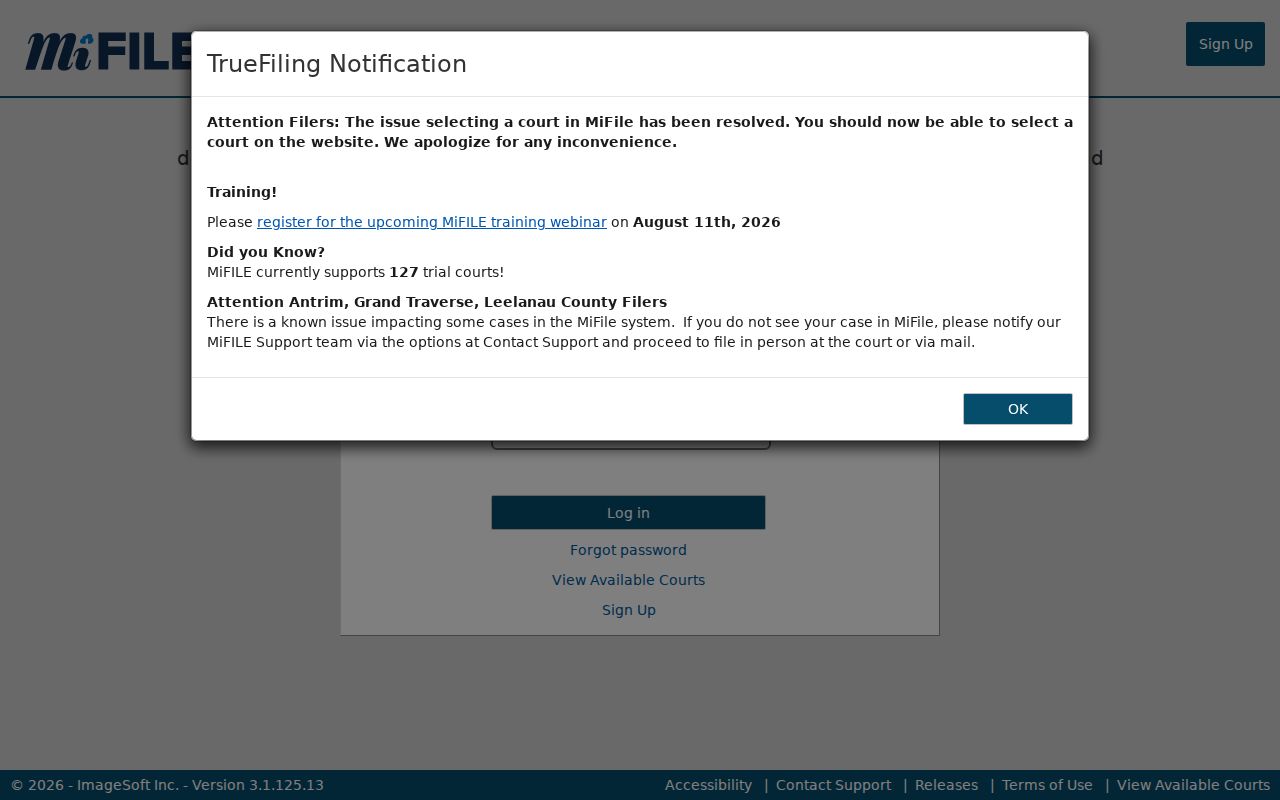
The login screen makes the split plain. E-filing access and a public case-history search are simply not the same service.
Restricted Cases and Access Rules
Public case search is not a complete list of every Iron County proceeding. Michigan Court Rule 8.119 governs access to court records and the restriction procedures around them. Public electronic copies cannot expose unredacted protected identifiers. Juvenile and child-protective cases, adoption, mental-health, personal-protection, and other listed categories can be left out of ordinary public results. Probate and family records may carry separate protections as well.
If a clerk says an item is restricted, ask which rule or order applies and what the lawful procedure is for seeking access. Do not relabel the request as county FOIA to get around a court-file limit. The Iron County FOIA page covers county administrative records, while judicial case files follow court rules. And treat a MiCOURT absence as simply no public result, never as an inference about a person or event.
Access rule: MCR 8.119 controls judicial-record access, and MCL 712A.28 addresses limits on juvenile record access.
Iron County Case Lookup Records
A repeatable Iron County case lookup stays organized. Write down the source URL, the selected court, the search type, your terms, filters, date and time, result status, and any clerk follow-up. Keep the case number and court saved too.
Official developer material separates technical case docket IDs and case tracking IDs from a public case number, and one should never stand in for another. Result fields, filters, sorting, and permissions can all change, so check the live public screen before leaning on an API detail. For a formal record, go back to the court clerk with the precise case and document request. MiCOURT's API v4 reference is the source for the technical search-field distinction.
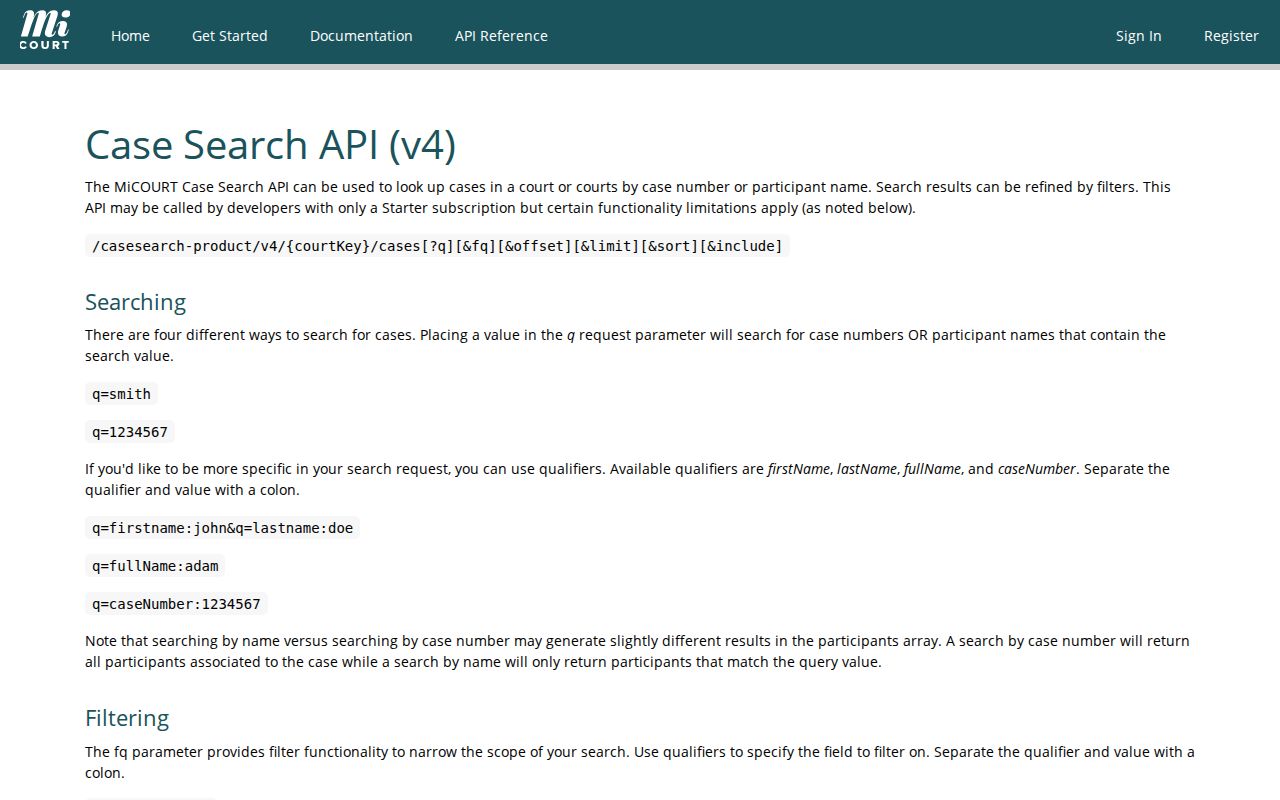
The technical reference helps with careful field interpretation, while the public screen and the court clerk remain the practical routes for an Iron County case lookup. Note: Record the selected court and search date with every result, because public case history, Court Display, and clerk records can update on different schedules.